AdvancedShaders
This a collection of 23 Shaders and Shader Effects that work only under the Standard/Physical Renderer.
Warning:
This plugin makes extensive use of various Python Libraries that you need to manually download and place on your C4D's Python311 folder. Read the "Python Dependencies.txt" for further instructions.
This a collection of 23 Shaders and Shader Effects that work only under the Standard/Physical Renderer.
Sampling Resolution - Many effects are raster effects, this means that they need to be applied on a constant input size, that means that any procedural shader needs to be baked and then processed.
Input Scale - Some effects might extend outside the available space of the input texture, in this case you can scale it down to fit inside the Sampling Resolution. The border pixel colors will be used to extend the image.
Blur - A basic Blur effect with masking options.
Radial Blur - A special Blur effect with two modes: Zoom, Spin.

Motion Blur - A directional Motion Blur effect.
Bokeh Blur - This type of Blur depends on an Aperture Shape.
- Background Blur - A factor to blur the input shader/texture.
- Aperture Shape - Two options are available Circle and Polygon.
- Edge Number - Defines the number of edges if the Aperture Shape is Polygon.
- Aperture Rotation - Defines the rotation of the aperture and consequently the rotation of particles.
- Highlight Threshold - A bloom effect for bright areas on the input.
- Number of Particles - Defines the number of particles.
- Particle Color - a solid color for all particles.
- Random Tint - if selected the particles will be colored randomly from a Hue set defined by Hue Min and Hue Max.
- Particle Size Min/Max - Defines the acceptable particle size.
- Particle Softness - Applies a small blur effect on the particles.
- Transparency - Defines the opacity of particles.
- Near Particles - a percentage of particles on the foreground.
- Near Scale - Defines how big are the particles on the foreground.
- Near Softness - A separate blur for particles in the foreground.
- Near Transparency - A separate transparency for particles in the foreground.
- Particle Seed - randomizes the position of particles.
Kaleidoscope - A set of attributes that create symmetrical shapes of the input shader/texture when cropped from a triangle.
Polar Inversion - A geometric transformation of the input on a circular coordinate system.
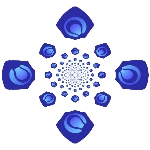
Droste - Applies an infinite recursion of the input. The available attributes define the center of the recursion and the number of times of the recursion on a spiral.
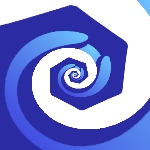
Mobius Transformation - Similar to the Droste but this time the tiles of the input converge on two poles.
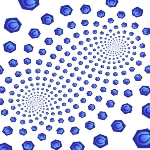
Hyperbolic Tiling - Five tiling methods on the Hyperbolic coordinate system and space.
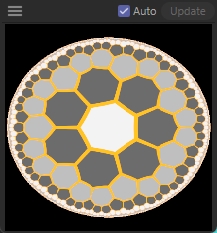
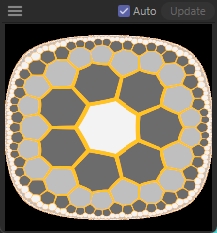
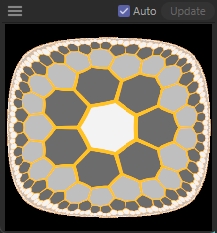
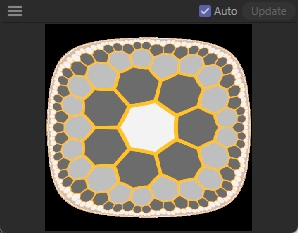
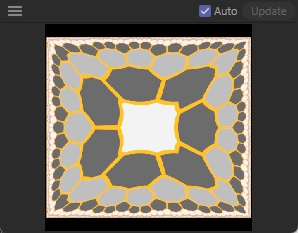
Inverse Hyperbolic Tiling - A tiling method on the inverted Hyperbolic space.
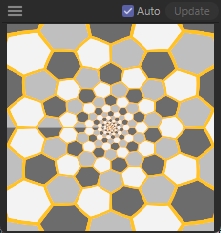
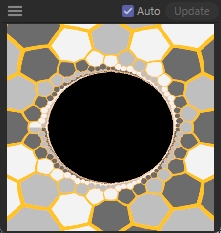
Scales - Distributes tiles of the input in a way that resembles roof tiles. The available attributes define the positioning, shape, Hue Scale and other effects on the tiles.
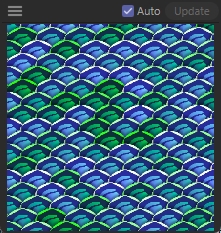
Offset Grid - A number of slightly offset and overlapping tiles that each are only visible from a specific cell of an orthogonal grid. The available attributes define the positioning, shape, Hue Scale and other effects on the tiles.
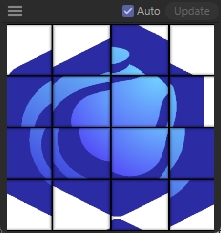
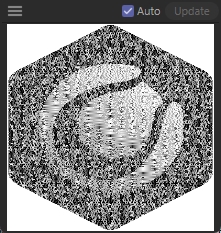
Floyd-Steinberg Dithering - A dithering effect on the input.
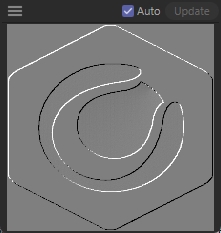
Emboss - An Emboss effect on the Input.
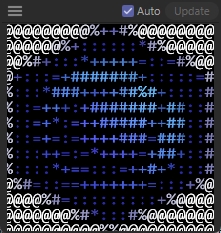
ASCII Art - Reconstructs the input from a set of characters.
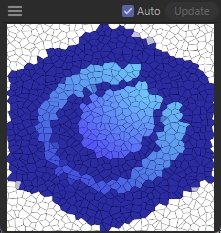
Voronoi - This is an alternative Voronoi Noise. Features that differentiate it from the C4D built-in counterpart:
- Uses the Quilez exact border distance method that eliminates some malformed cells.
- Random Colors for cells.
- Quantization of input on the cells.
- Free-form distance shapes to achieve the Manhattan and Chebyshev forms.
- Rotation of cells.
- Removal of cells.
- Up to 4 layers of cells.
- Options for beveling and lighting.
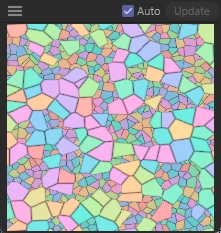
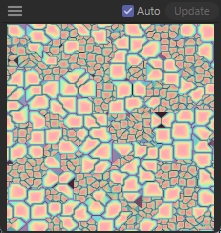
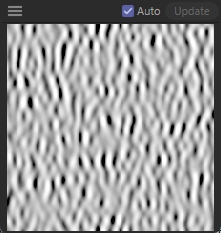
Gabor Noise - A fundamental noise that can behave as static waves and can simulate many patterns found in nature like sand dunes, tree trunks and zebra stripes.
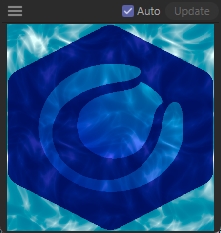
Water Caustics - An iterated-sine water pattern that resembles caustics from a turbulent water surface.
Flow Map - A normal map is used to create a motion effect on the input. Used to fake liquids or make areas of an image move to specific trails.
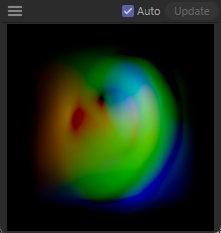
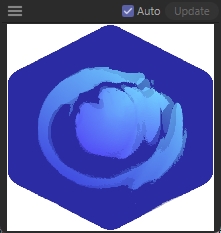
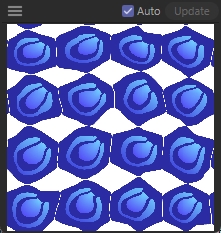
Texture Synthesizer - An implementation of the "Simple and Efficient Example-based Texture Synthesis
Using Tiling and Deformation" paper of Kan Chen, Henry Johan and Wolfgang Mueller-Wittig. It can generate a texture of arbitrary size given a small sample. Works best with non-uniform samples.
Reaction Diffusion - The well known pixel-based simulation of two or more chemicals. It offers 12 presets.
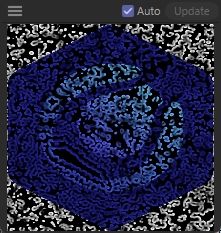
Edge Glow - Creates a glow frame on the edges of polygons or Phong Brakes.
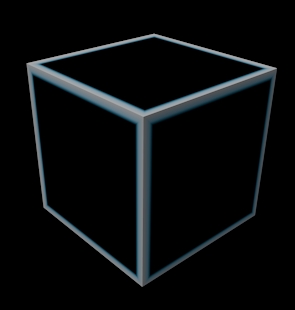
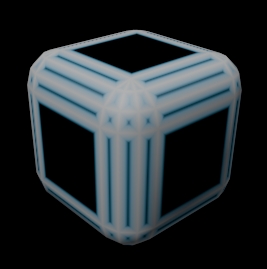
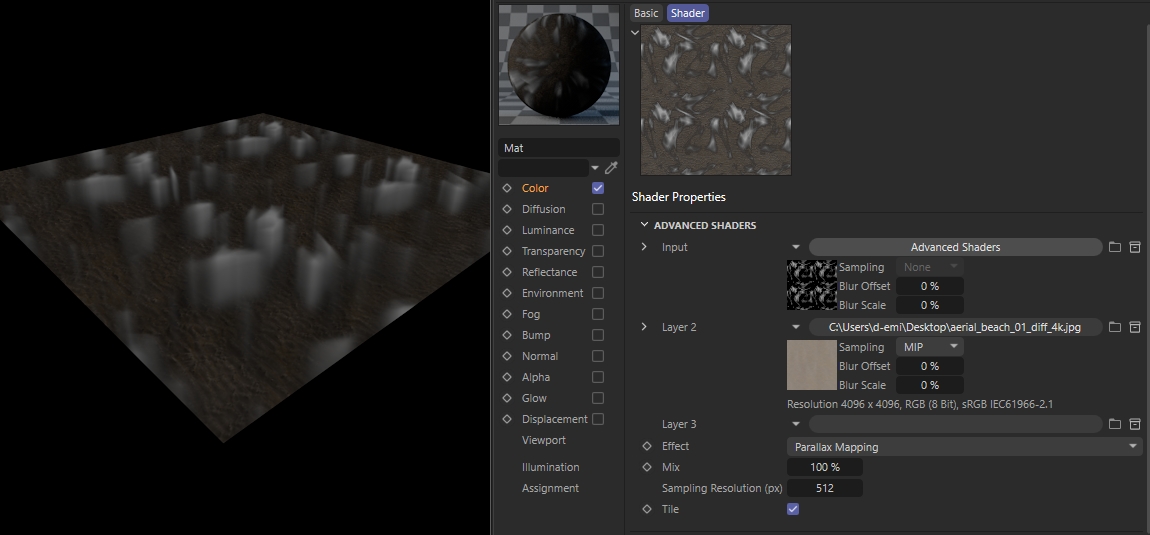
Parallax Mapping - A special mapping of multiple textures on the same surface giving the impression of depth. There are three modes, Layers, Room and Volumetric.
- Layers - In this mode textures are positioned vertically on top of each other. Up to 3 Layers can be used. All layers except the last used must be transparent (or the effect won't be visible).
- - Fill Gaps - This attribute will create additional layers by coping the layer above. This is used for smooth transitions.
- - Fill Opacity - Increases the transparency of consecutive layer copies.
- - Fill Darken - Creates the effect of diminishing light on lower layers.
- - Fill Tint - Colorizes the copied layers.
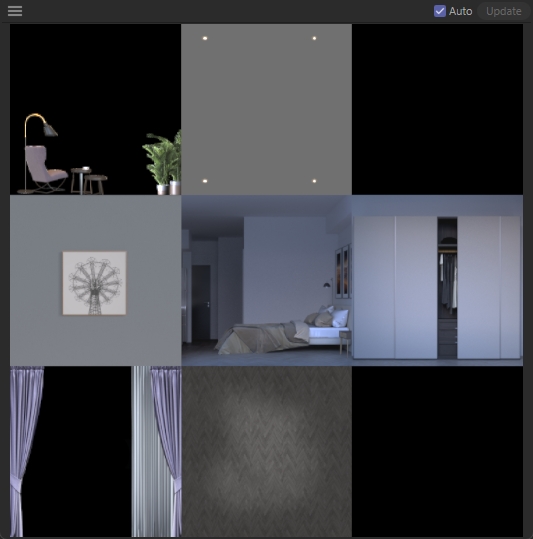
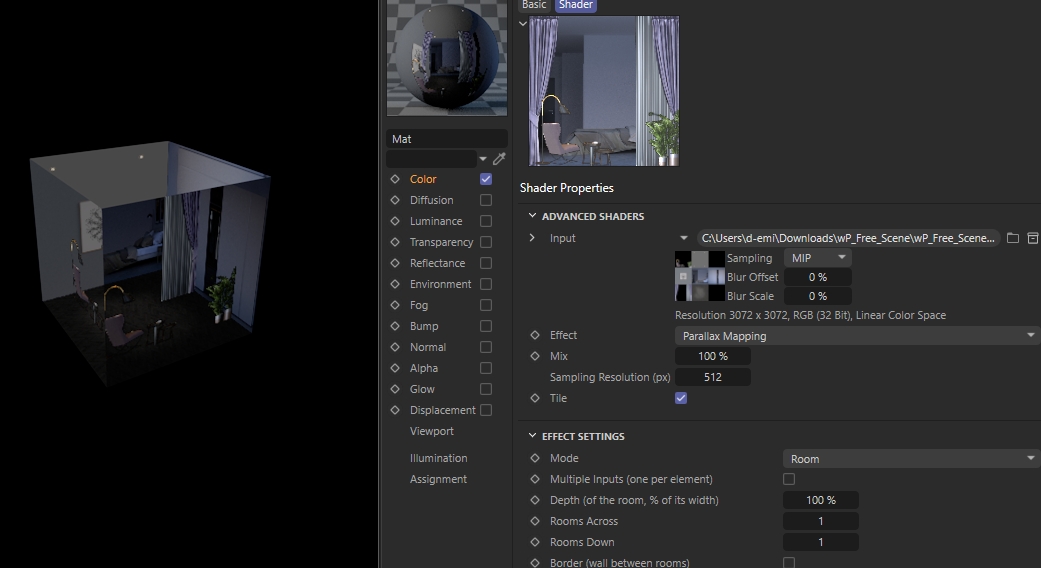
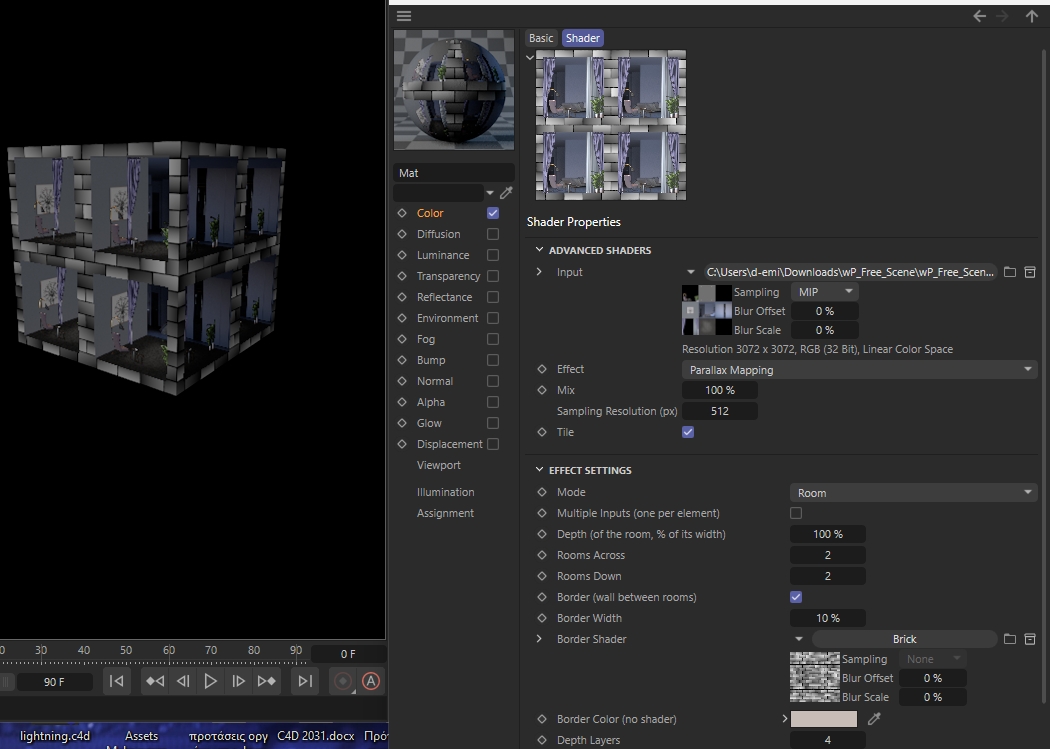
- Room - This effect creates a room with three walls, a floor, a ceiling and up to four layers of objects. The input must be a rectangular texture from which nine parts will be extracted for the room elements. Alternatively you can provide separate textures for each element by enabling "Multiple Inputs".
- - Rooms Across / Rooms Down - Creates multiple rooms in a grid on the same texture.
- - Border - Creates a frame for each additional room.
- - Depth Layers - Enables the interpretation of the additional four elements on the room.
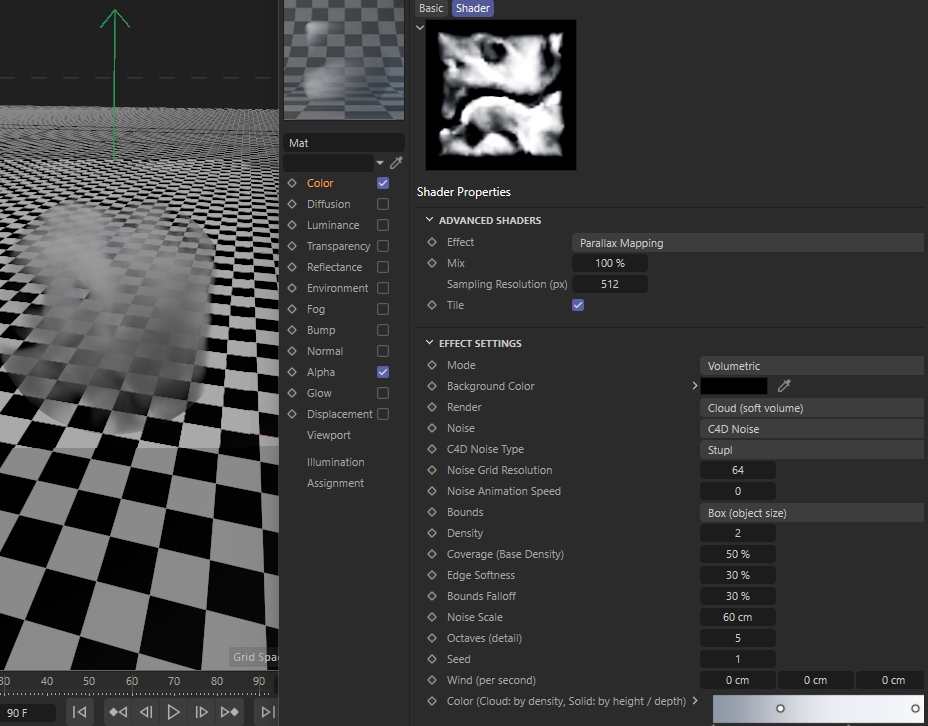
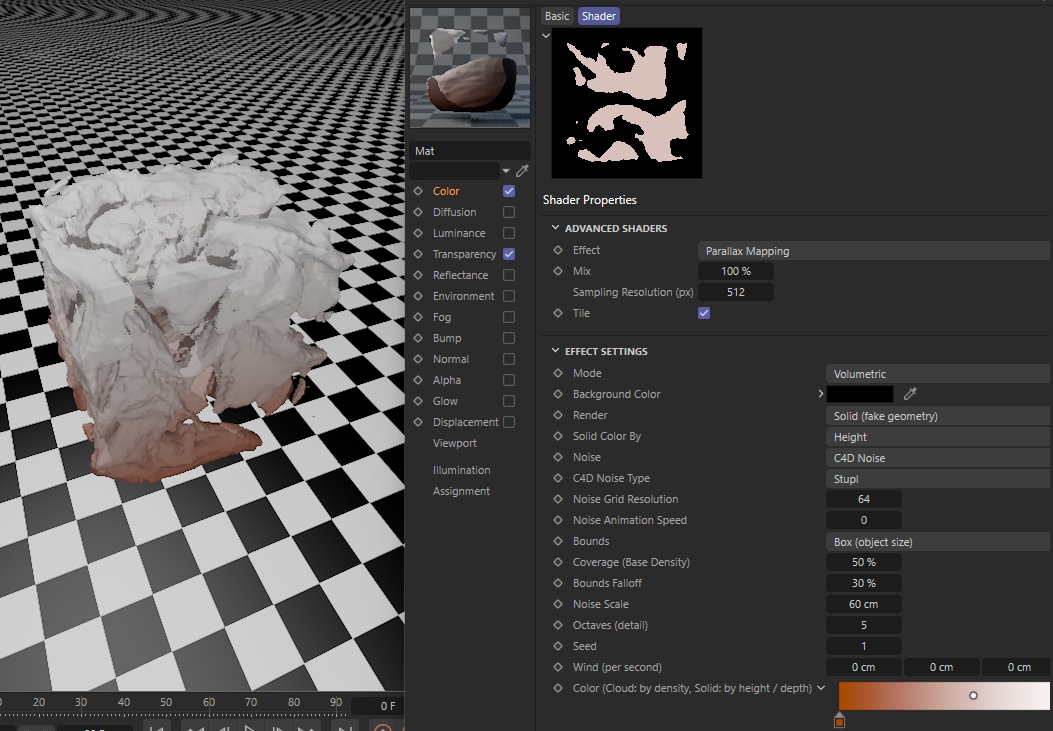
- Volumetric - This is similar to the old Pyroclusters. Features that differentiate it from Pyroclusters:
- You can apply it to any geometry object.
- A Solid Render option for creating complex geometries with no polygons.
- - Output - When using this shader you should also copy it to the Transparency or Alpha Channel with small alterations on what Layers will be included. For example if you want to create a water surface with the seabed you must use the shader with the first layer on the Transparency or Alpha Channel and keep the seabed layer on the Color Channel. Depending the channel where this shader is the mode of the attribute should be set to the correct option.
Changelog
- 1.0.0 Release Version