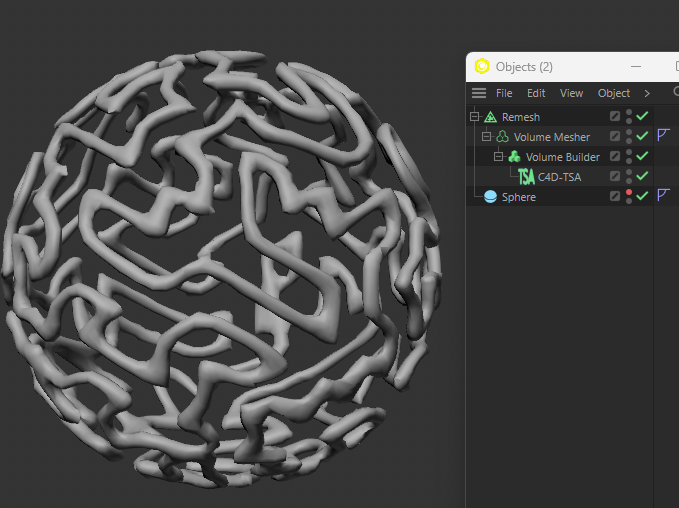
C4D-TSA Documentation
This is a Spline Generator.
The general purpose of this generator is to connect points using multiple implementations of the Traveling Salesman Algorith (TSA). In other words it will connect all points once using the shortest possible path.
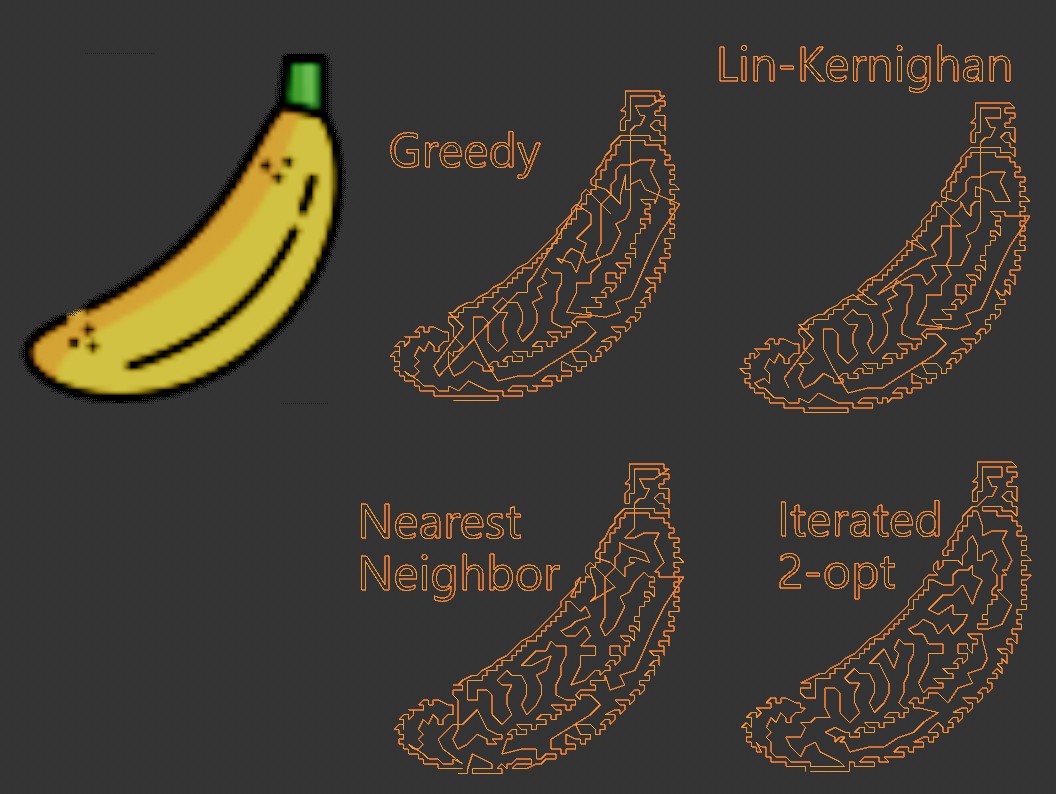
There are 4 TSAs. Fastest to slower from top to bottom with ascending quality results.
The TSA problem is open and there isn't a single perfect algorithm to solve it fast. So keep your connection points to low numbers (~600) for the first three options and ~200 for the last one.

There are 3 modes to work this generator:
Object Mode - In this mode the generator will use a TSA from existing topology points on a mesh object. Use the Point Rlaxation option to use a uniform distribution of points on the surface of the object using the Poisson-Disk algorithm. Optionaly there's a Delauney meshing option to create new geometr from those points.
Matrix Points - Use this mode for any MoObject, no geometry will be used only matrices as points.
Texture Plane - In this mode an Image file can be used to create a dithered image using the Burkes dithering method and extract points out of it. The generator can process an image up to 800x800 pixels and 30.000 points. It is strongly adviced to first test images with a resolution of 128x128 or lower first and provide pre-dithered images of your own using a 2D photo editor of your preference. I use Paint.NET because it provides an Error-diffusion plugin with the option of Floyd-Steinberg which in my opinion provides the best dithering because pixels have nice distribution density. In general for best and fast results your images must have the apropriate contrast in order to have dinstinguishable shapes and keep low pixel density on dark areas to keep low number of points, more black pixels means more points and if those points are too close to each other the harder will be for the TSA to find an optimum connection path. Use the Pre-Dithered option if you provide an image that is already dithered. The dithered image provided must be Black/White. The demonstrated image uses a 64x64 PNG image with no prior dithering.
Notes
For best performance you should install NumPy v2.2.1. See ReadMe file in the plugin.
Do you want to contribute to the development of this plugin? If yes, contact me.
If you like my implemented ideas and find them useful you can buy me a coffee🍵as an encouragement to keep creating new ones and update existing ones. ko-fi.com/happypolygon