EdgeLoopReducer
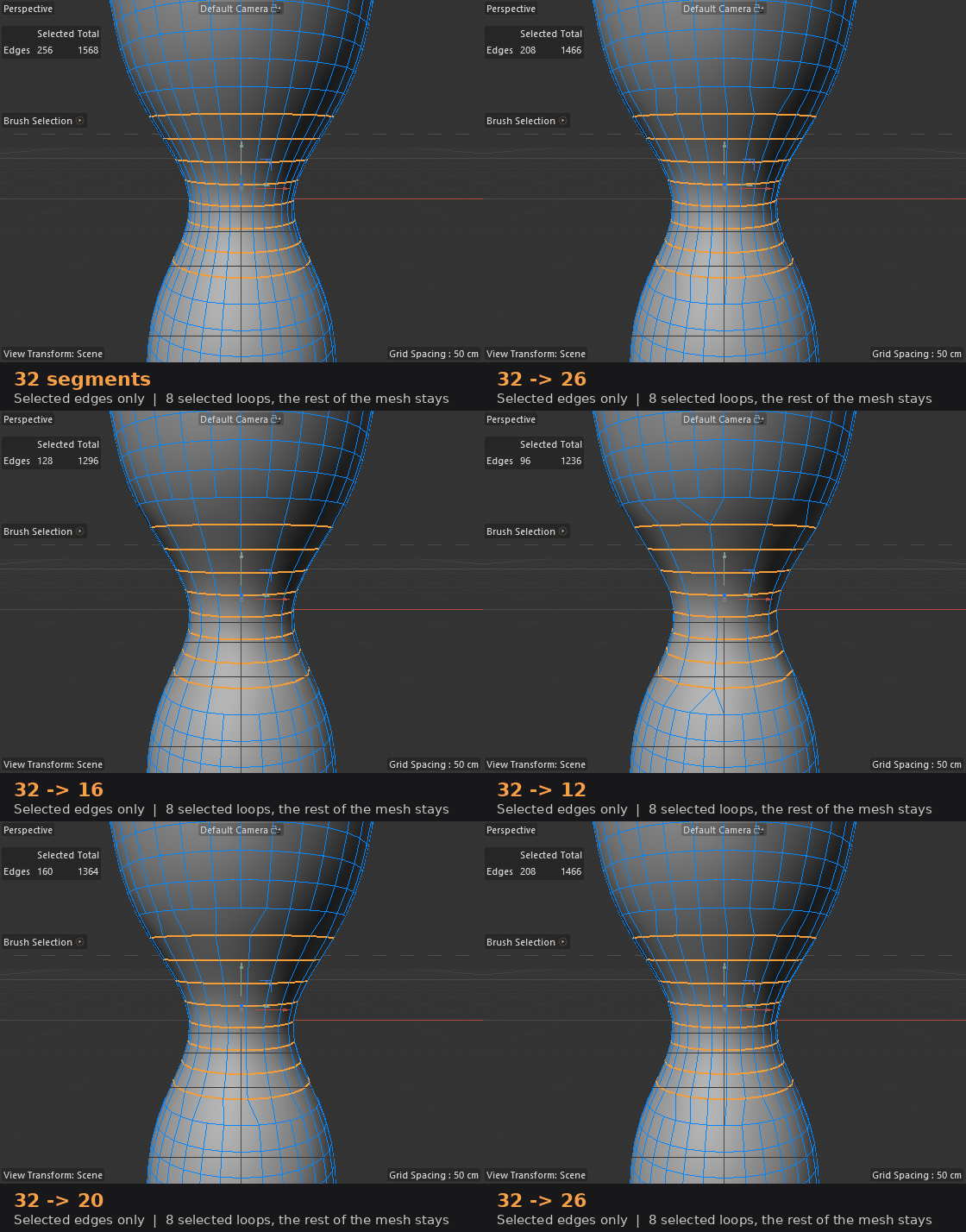
A tool for Cinema 4D that changes the number of segments of selected loops to the required number: 16 → 24, 32 → 12, 8 → 37, etc. Works both ways, retains n-gon caps and evenly distributes dots according to shape.
Quick start
Select the polygon object to be edited and switch to Edges mode.
Select one or more loops (Loop Selection). You can have several adjacent rings at once or magnifying glasses on different parts of the object.
Turn on the Edge Loop Resegment tool. Its settings will appear in the Attribute Manager, and the information line will show the current number of segments.
Move the Segments slider or enter a number. The object changes immediately, without copies.
Click Apply to leave the result. The instrument will immediately pick up new loops, and you can continue changing. The tool picks up a new selection or other object itself; a separate button is not needed.
Undo and tool behavior
• One edit - one undo step. Ctrl+Z returns the object along with the loop selection.
• Ctrl+Z can also be pressed before Apply: the instrument will notice the rollback and re-read the original loops.
• When you select another tool, the result remains the same as the standard Cinema 4D tools.
• The object changes in place: the hierarchy, links to it, child objects and tags are preserved.
• UV, Phong, selection tags and vertex maps are transferred to the new mesh; n-gon caps remain n-gon.
Limitations
• You need an editable polygonal object; for a primitive, first Make Editable.
• Minimum 3 segments for closed loop, maximum 4096.
• UVs of shifted points are interpolated: near changed columns, repacking may be necessary.
• Weight tags are not recalculated: edit the mesh before rigging.